
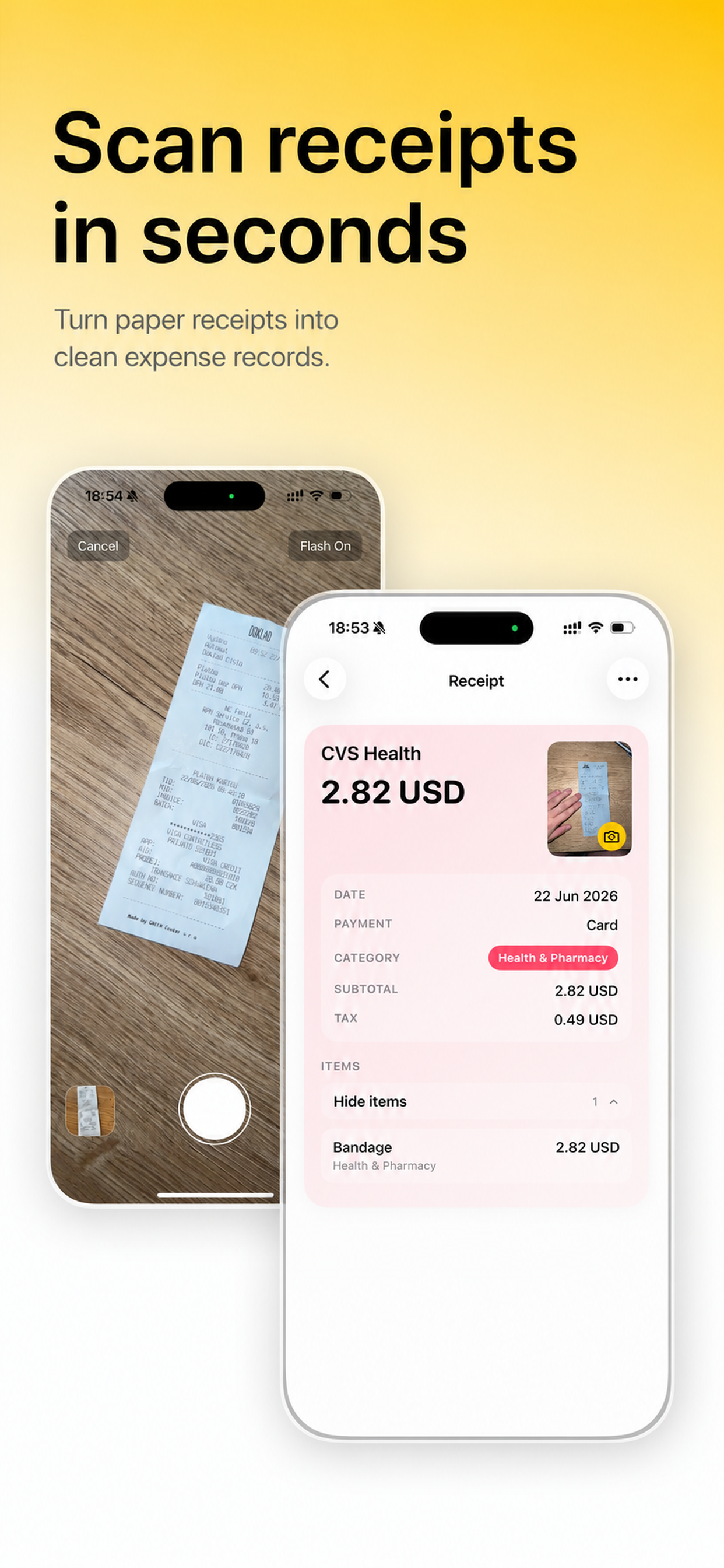
Scan
Capture a receipt and turn it into a saved record.
Receipt Scanner helps you scan receipts, save manual expenses, search records, review spending, and keep your expense history in one place.
Capture a receipt and turn it into a saved record.
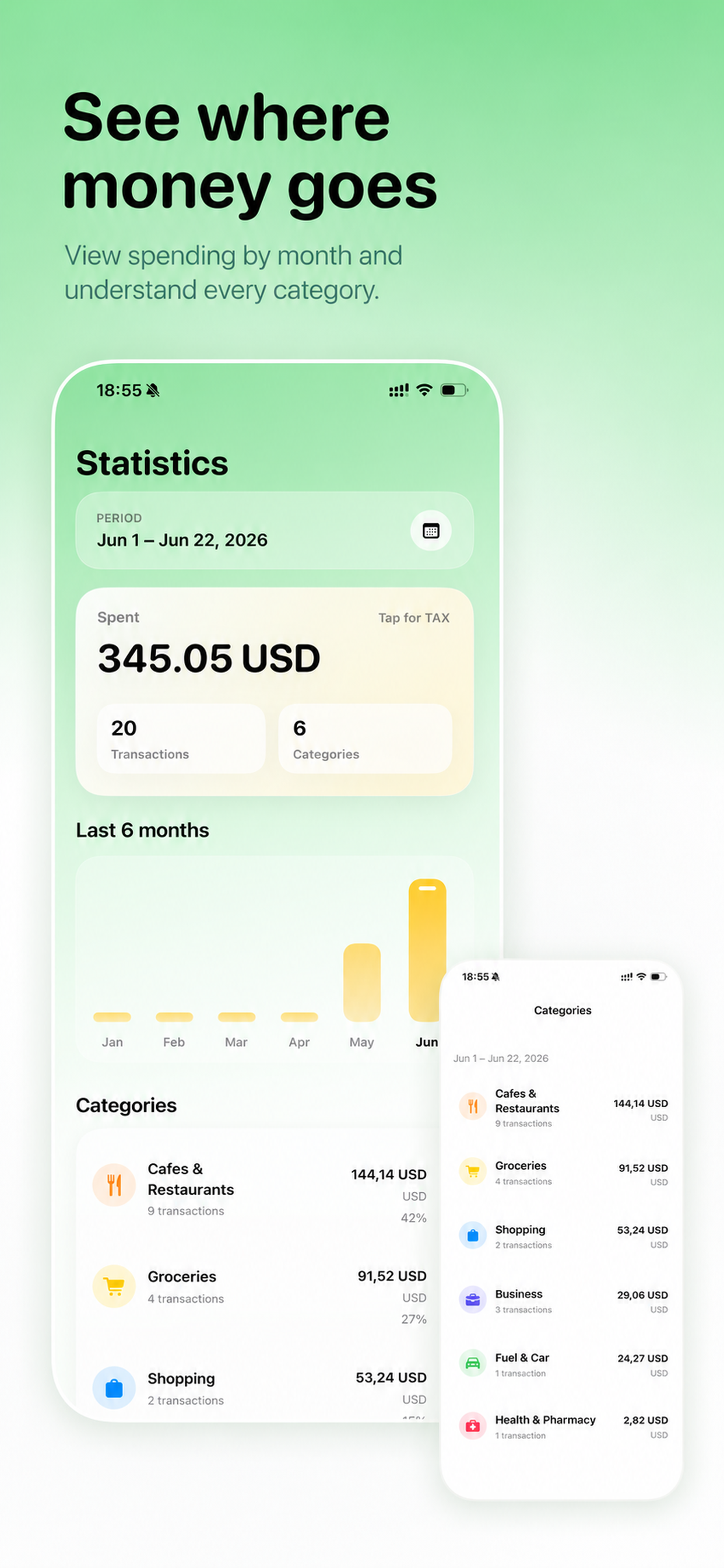
Review totals and spending in a clean summary view.
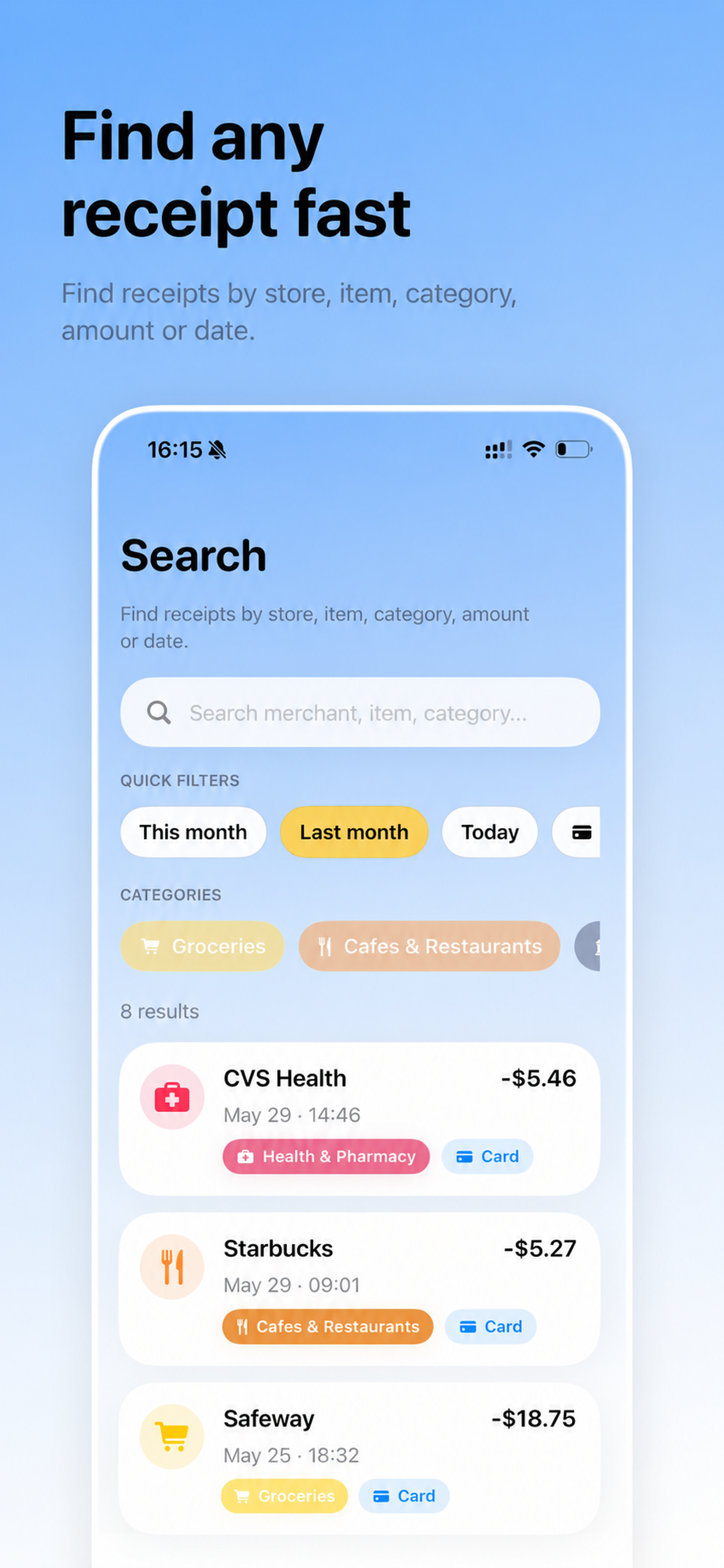
Find receipts and records quickly when you need them.
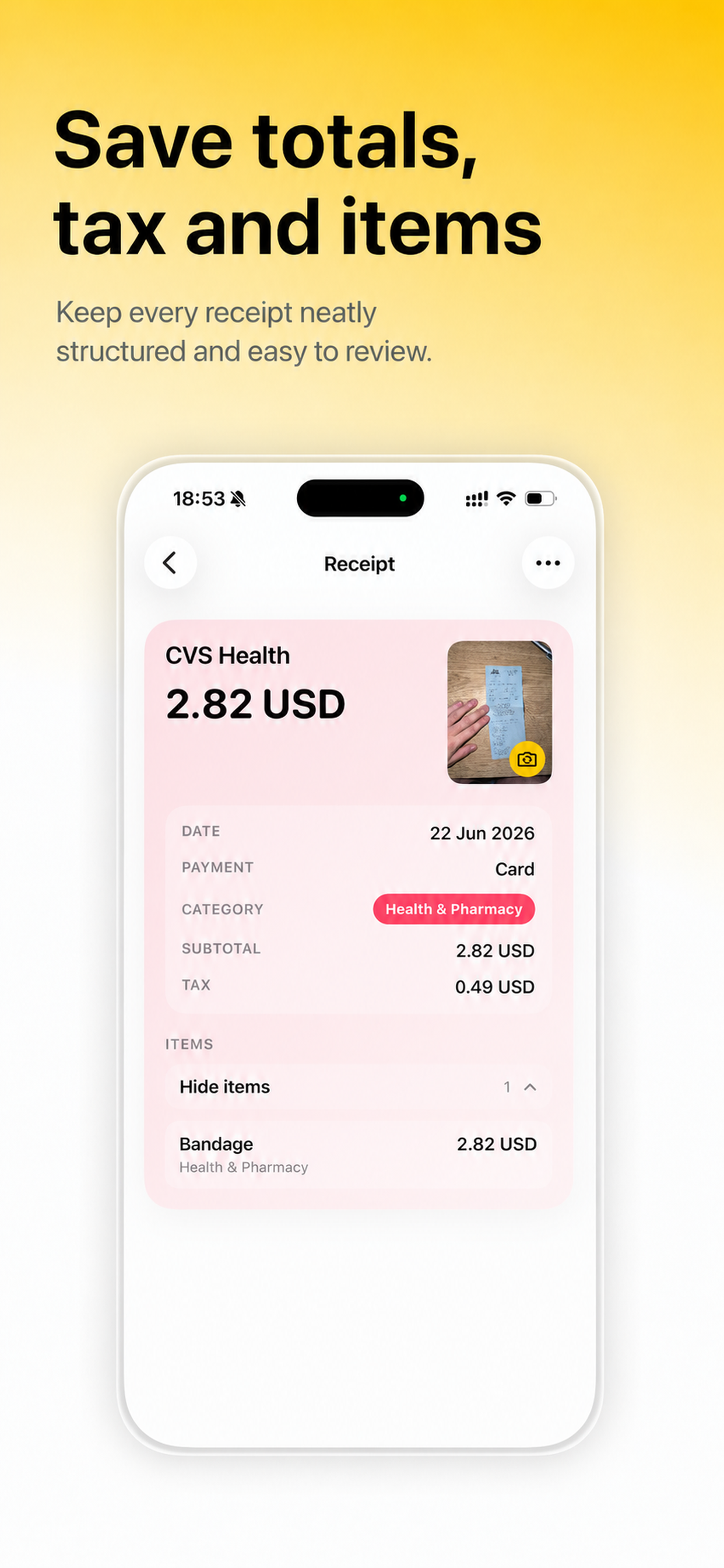
Keep individual purchases and receipt data organized.
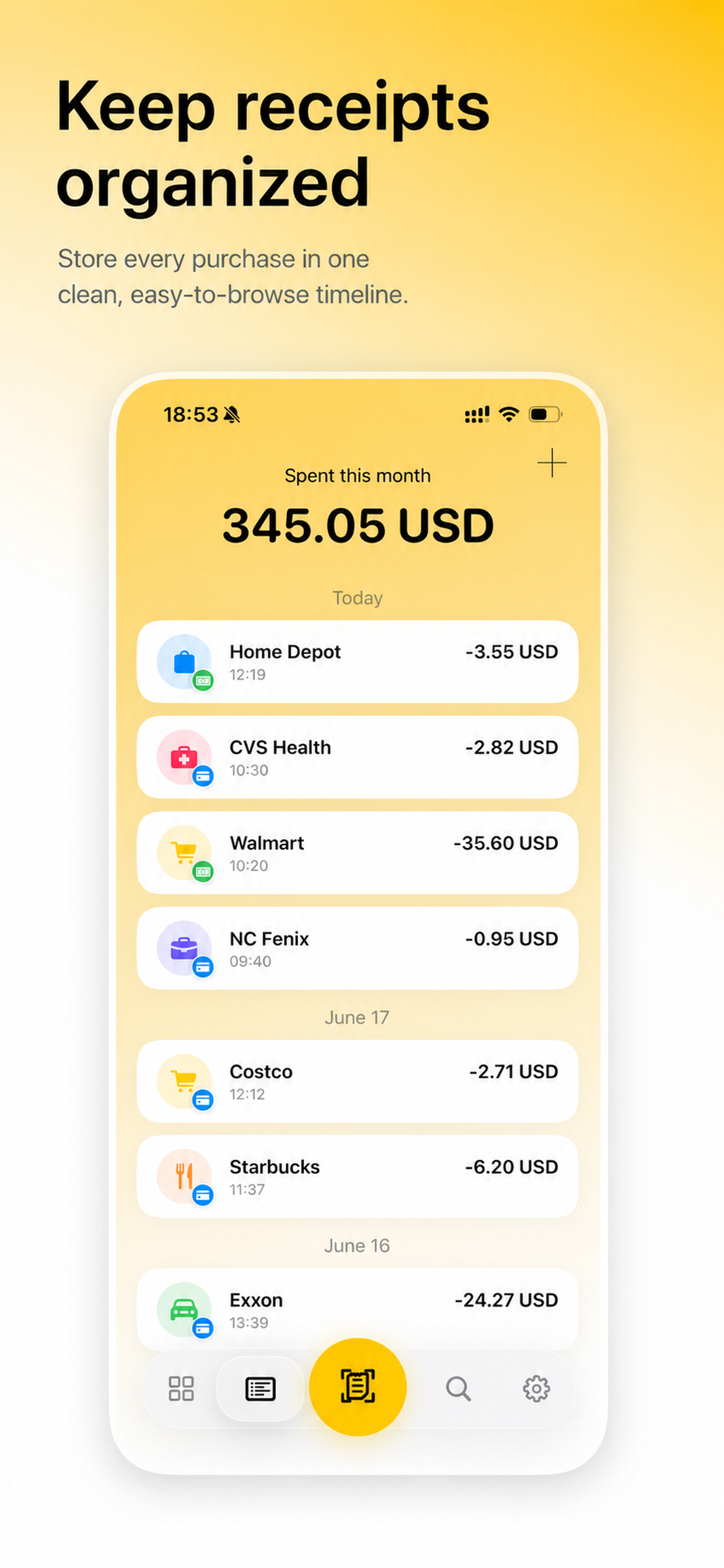
Browse saved expenses in a structured record list.
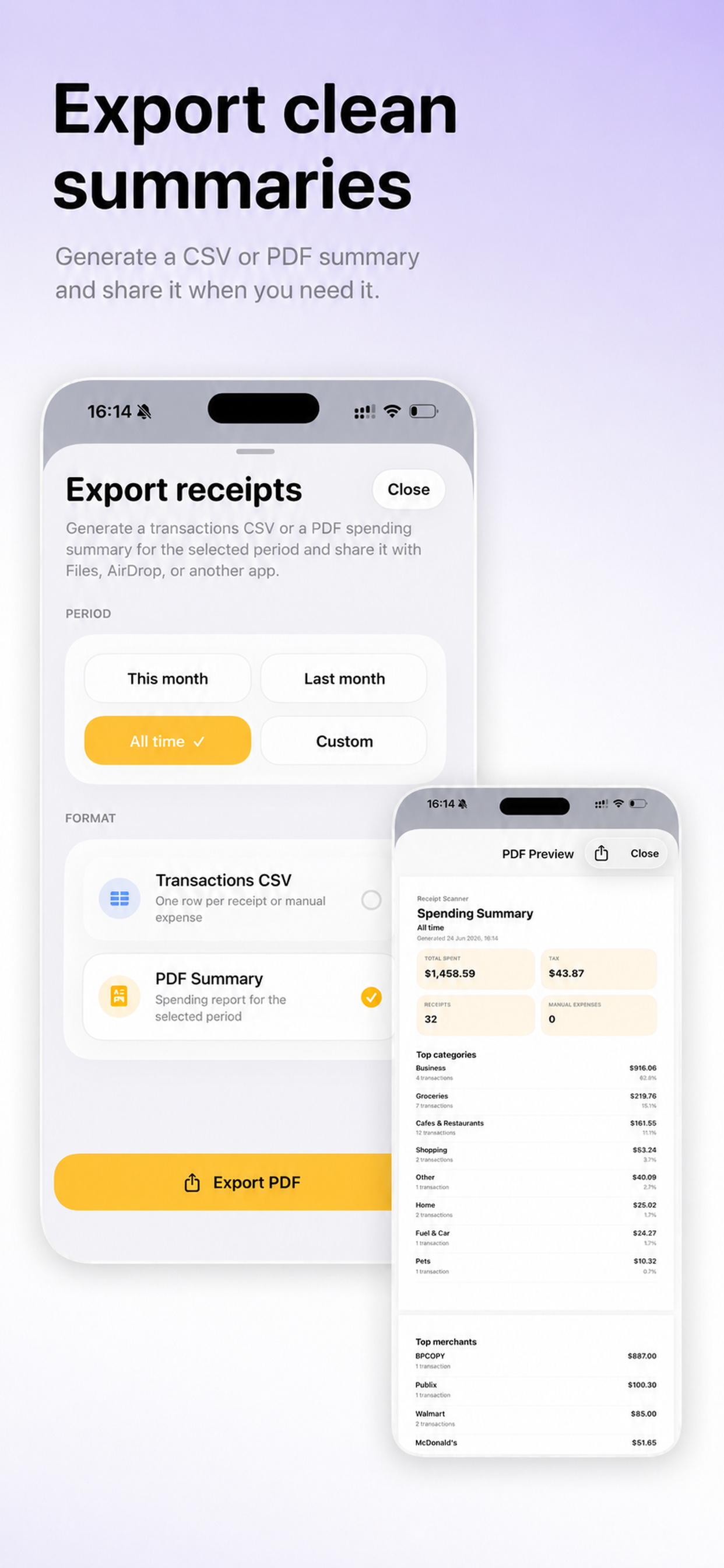
Export records when you want to keep or share a copy.
Capture receipt images and save them as organized expense records.
Enter records yourself when you do not have a receipt to scan.
Look up past receipts and expenses by the details you remember.
See totals and summaries so your saved records stay useful over time.
Export your receipt and expense history when you need an external copy.